

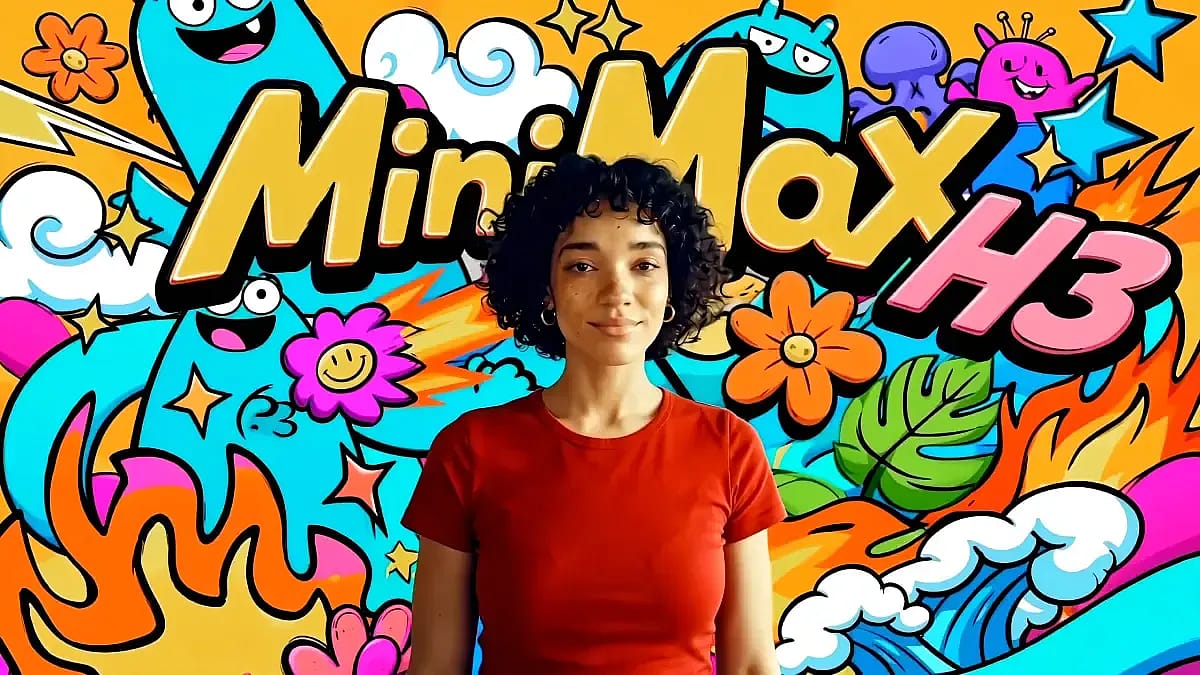
Create with MiniMax H3 — Every Reference, One Story
Combine text, images, video, and audio in one creative context. Direct character, motion, camera, dialogue, music, and atmosphere, then generate a coherent native 2K video up to 15 seconds long.
Free credits to start • Native 2K • Stereo audio • Up to 15 seconds
GALLERY
Find the first frame for your next MiniMax H3 video
Browse prompt-ready visual ideas, study the composition, and reuse a direction as your opening frame before adding motion, camera language, dialogue, and sound.
Build every creative asset around MiniMax H3
Prepare source images with Flux, GPT Image, or Nano Banana, then compare alternative video directions with Veo, Kling, and Seedance. Keep drafts, references, and generations together with one shared credit balance.
FEATURES
Four ways to create with MiniMax H3
Choose the starting point that matches your brief: a written scene, an anchored image, a set of cross-media references, or a complete audio-visual direction.
PRODUCTION CONTROL
Production control that sets MiniMax H3 apart
Go beyond a single prompt. Keep visual identity, movement, camera language, sound, and fine detail connected as the brief becomes more complex.
One Context Across Every Modality
MiniMax H3 interprets relationships across prompts, still images, reference clips, and audio. Tell it what to borrow from each source and how those elements should interact in the result.
Director-Level Instruction Following
Describe shot order, camera movement, transitions, dialogue, and atmosphere in natural language. The model follows the direction as one connected production brief.
Text, Products, and UI That Hold Up
Built for advertising, branding, e-commerce, product design, UI motion, games, and title sequences, H3 targets accurate on-screen text, recognizable products, and consistent art direction.
Motion Transfer and Precise Regeneration
Use video as a motion or camera reference, then let MiniMax H3 revisit the original multimodal context during 2K regeneration to recover small text, product detail, and fine visual structure.
WHY MINIMAX H3
Production-ready control with MiniMax H3
Move from a rough idea to a review-ready clip without separating picture, motion, dialogue, effects, and ambience into different tools.
Pricing
Test the MiniMax H3 workflow with free credits, then scale with a monthly plan or one-time credit pack when you need more generations.




TESTIMONIALS
How creators put MiniMax H3 to work
FAQs
MiniMax H3 frequently asked questions
Clear answers about model inputs, native 2K output, stereo sound, editing, credits, licensing, and the workflows available on this site.
MiniMax H3 is MiniMax's general-purpose multimodal generation model. It understands text, images, video, and audio as one context, then creates or edits coherent video with native stereo sound, multi-shot direction, and output up to 15 seconds at 2K.
You can try the MiniMax H3 workflow with free sign-up credits and no credit card. When you need more generations, use a subscription or add one-time credits.
Use a prompt on its own, anchor the shot with first and last frames, or combine up to 9 images, 3 video clips, and 3 audio clips. MiniMax H3 can use those references for identity, style, motion, camera language, voice, and edit rhythm.
MiniMax H3 generates native 2K video at 24 FPS with durations up to 15 seconds. Choose cinematic, landscape, square, or vertical framing, including 21:9, 16:9, 4:3, 1:1, 3:4, and 9:16.
Yes. MiniMax H3 generates native stereo audio with the visuals, including dialogue, music, sound effects, and environmental ambience timed to the action on screen.
Yes. Upload a first-frame image, a last-frame image, or both. The model uses them to anchor the opening and ending composition while creating coherent motion between the two frames.
MiniMax H3 supports instruction-based editing. Describe the subject, object, setting, lighting, dialogue, sound, or pacing change; the existing video becomes context for the revision.
Give MiniMax H3 clear character images and, when helpful, motion or voice references. Reuse the same core assets and describe only the changes needed from shot to shot.
Each generation uses credits based on the selected model, duration, resolution, and options. Subscription credits refresh each billing cycle; separately purchased pay-as-you-go credits do not expire.
Yes. Outputs can be used for marketing, social content, products, and client work under the commercial rights included with your plan. You remain responsible for rights to uploaded references, brands, music, and likenesses.
Yes. Upgrade, downgrade, or cancel from the billing portal at any time. Your current plan stays active through the paid period, with no long-term contract.
No. MiniMax-H3.io is an independent creative platform and is not the official MiniMax or Hailuo website. MiniMax H3 is developed by MiniMax; this site provides a third-party browser workflow for creating with the model and other supported tools.
Create your first MiniMax H3 video
Turn a prompt and your best references into a coherent native 2K video with stereo sound. Start free, refine by instruction, and download when the shot is ready.